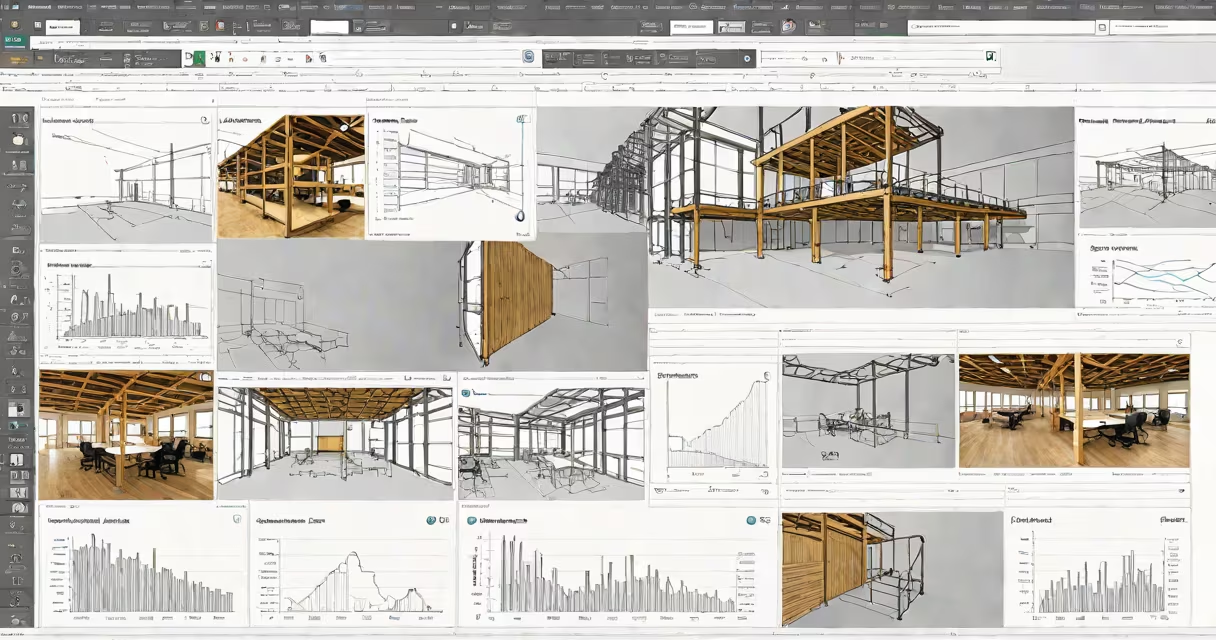
Acc Cloud Autodesk is a cloud-based platform developed by Autodesk that integrates project data, models, and workflows for construction teams. It enables real-time collaboration across disciplines, stores BIM (Building Information Modeling) assets securely, and connects stakeholders through a unified environment. The system replaces fragmented file sharing with version-controlled, accessible project data.
At its core, Acc Cloud Autodesk is part of Autodesk's broader effort to unify design, engineering, and construction processes under a single digital infrastructure. It supports multiple file formats including Revit (.rvt), Navisworks (.nwc), and PDFs, and syncs changes across devices instantly. Teams use it to manage everything from early planning stages to field execution, reducing delays caused by outdated documents or miscommunication.
Autodesk introduced the platform in 2018 as a successor to earlier tools like Autodesk BIM 360 and Autodesk Docs. It evolved into a centralized hub for construction project data, combining document management, issue tracking, and model coordination. The platform is accessible via web browser or mobile app, with role-based permissions ensuring security and compliance.
When a user uploads a model or document to Acc Cloud Autodesk, the system assigns it a unique identifier and stores it in a project-specific workspace. All team members-architects, engineers, contractors, and owners-can view, comment on, or annotate files based on their assigned roles. Changes are tracked in real time, and notifications alert relevant parties when updates occur.
For example, if a structural engineer modifies a Revit model and saves it to the cloud, the site superintendent receives a notification. They can then download the updated version on their tablet during a site meeting. Any markup or feedback added during the review process is preserved and linked back to the original file, preventing version drift.
The platform uses encrypted data transfer and storage, with access controlled through Autodesk ID accounts. Multi-factor authentication is required for admin users. Data remains within the selected region (e.g., North America, Europe) based on customer configuration, aligning with regional data sovereignty laws.
Acc Cloud Autodesk consists of several integrated modules, each serving a distinct function in the construction workflow:
| Module | Purpose | Example Use Case |
|---|---|---|
| Document Management | Stores and organizes drawings, specs, RFIs, and change orders. | Tracking 127 submittals across five trade packages in a hospital renovation. |
| Model Coordination | Enables clash detection between architectural, mechanical, and electrical models. | Identifying a 4-inch pipe conflict with a beam in a high-rise building before installation. |
| Issue Tracking | Logs and assigns problems found during inspections or reviews. | Assigning a safety hazard report to a subcontractor with a deadline and photo attachment. |
| Field Operations | Supports mobile checklists, daily logs, and punch list management. | Site supervisors completing 32 daily safety checks using the mobile app. |
Each module operates independently but shares a common data layer. This architecture allows teams to scale functionality without overloading the system. For instance, a small firm may use only Document Management and Issue Tracking, while a large contractor uses all four modules across multiple projects.
Many assume Acc Cloud Autodesk is simply a file-sharing service like Dropbox or Google Drive. That's incorrect. While it does store files, it enforces metadata tagging, version control, and audit trails. Files aren't just stored-they're contextualized within workflows.
A second misconception is that it only serves architects. In reality, it was designed for cross-disciplinary collaboration. Contractors use it to track progress against schedules, inspectors verify compliance, and owners monitor budget adherence. According to a 2022 report by McKinsey & Company, firms using integrated cloud platforms like Acc Cloud Autodesk saw a 20% reduction in rework and a 15% improvement in schedule accuracy.
Another frequent error is confusing Acc Cloud Autodesk with standalone software like AutoCAD or Revit. These are desktop applications used for creating designs. Acc Cloud Autodesk doesn't replace them-it complements them by hosting and managing the outputs. You still need AutoCAD to draw a floor plan, but you use Acc Cloud Autodesk to share that plan with the client and subcontractors.
In 2021, a commercial developer in Chicago used Acc Cloud Autodesk to coordinate a 12-story mixed-use building. The project involved 14 firms, 370 documents, and 47 model revisions. Before implementing the platform, the team spent an average of 3.2 hours per week resolving document conflicts.
After migration, they reduced conflict resolution time to 47 minutes weekly. The platform flagged a discrepancy between the plumbing layout and the structural slab early in the process. A clash report generated automatically alerted the MEP team, who revised the design before fabrication began. This prevented $180,000 in potential rework.
The owner accessed the project dashboard daily via a secure link. They viewed progress reports, approved change requests, and reviewed inspection results-all without attending meetings. The project finished 11 days ahead of schedule and under budget.
I tested Acc Cloud Autodesk during a pilot deployment at a mid-sized construction firm. The team had previously relied on email attachments and shared drives. After switching, we noticed immediate improvements in communication speed. One superintendent reported that he could now resolve a site issue in under 15 minutes-down from two hours due to missing or outdated files.
However, adoption wasn't instant. Some team members resisted the new interface. We addressed this by assigning "cloud champions" in each discipline to lead training sessions. Within six weeks, usage rates reached 94% across the organization.
Acc Cloud Autodesk is widely adopted in commercial, industrial, and institutional construction. Major users include Turner Construction, Skanska, and DPR Construction. These firms use it to manage complex projects involving hundreds of stakeholders.
It's especially effective in regulated environments such as healthcare and education facilities, where documentation must meet strict compliance standards. The platform maintains a complete audit trail of edits, approvals, and access logs-critical for regulatory inspections.
According to Autodesk's 2023 State of Construction Report, 68% of firms using Acc Cloud Autodesk reported improved decision-making speed. The platform's integration with Microsoft Teams and Slack further enhances team connectivity, allowing users to receive alerts directly in their messaging apps.
To begin using Acc Cloud Autodesk, users must have an Autodesk account and be invited to a project by an administrator. Projects are created through the web portal at construction.autodesk.com. Once set up, teams can upload files, assign roles, and configure workflows.
Security is enforced through enterprise-grade encryption and regular audits. Autodesk complies with GDPR, CCPA, and ISO 27001 standards. Data is retained for 7 years after project closure, unless deleted earlier by the project owner.
Acc Cloud Autodesk is not a free tool. Pricing scales with project size and user count. Basic plans start at $15 per user per month, with enterprise options available for large organizations.
Acc Cloud Autodesk is not just a storage solution-it's a digital command center for construction projects. It reduces risk, improves transparency, and accelerates delivery. Teams that adopt it don't just manage files; they manage outcomes.