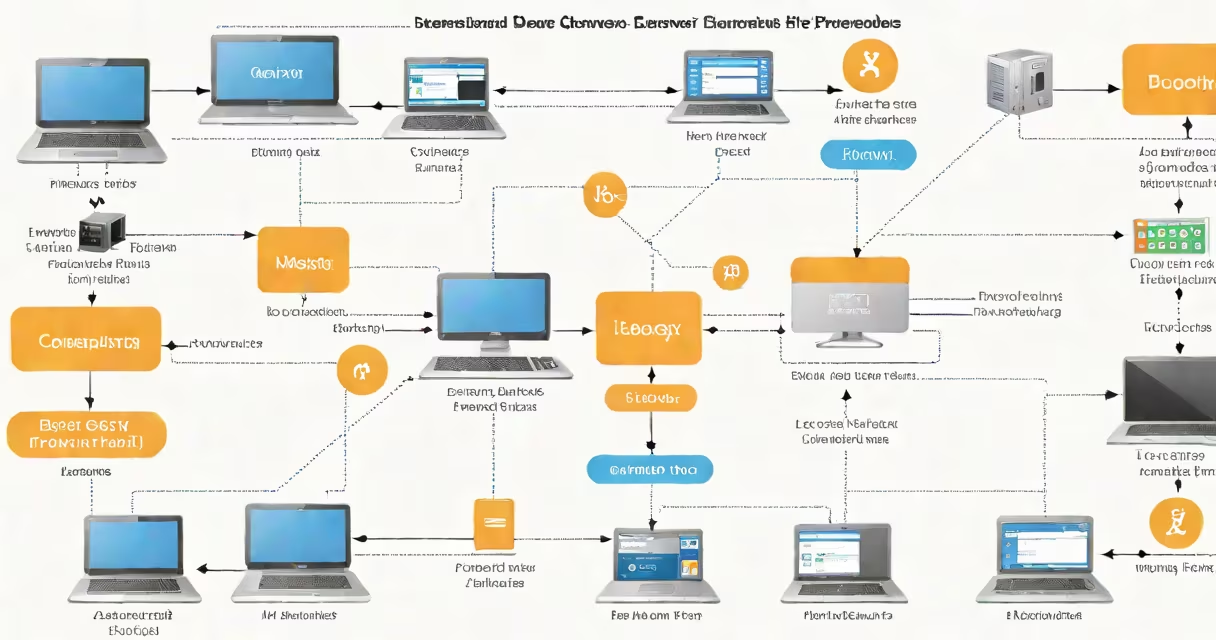
A proxy address is the IP address of a proxy server that routes your internet traffic through an intermediary, hiding your real location and identity. It functions as a gateway between your device and the websites you visit.
When you connect to the internet through a proxy, your request first goes to the proxy server. The server then forwards the request to the destination site using its own IP address. The response travels back through the proxy before reaching you. This process hides your actual IP address and can improve security or bypass geographic restrictions.
For example, if you're in New York and access a website through a proxy server located in Berlin, the site sees the Berlin IP address-not your New York one. This is how proxy addresses enable anonymity, content filtering, or regional access.
Your device sends a request to a website. Normally, the request goes directly from your IP address to the site's server. With a proxy, the request first hits the proxy server, which uses its own IP address to make the connection.
The proxy server receives the response from the website and relays it back to you. Because the website only sees the proxy's IP address, your real location remains hidden. This process happens in milliseconds and requires no changes to your browser settings if the proxy is configured system-wide.
Proxy servers operate at different layers of the internet stack. HTTP proxies handle web traffic, while SOCKS proxies manage broader network protocols. The proxy address you enter in your browser or OS settings must match the protocol type being used.
Proxy addresses vary based on configuration and purpose. The most common types include transparent, anonymous, elite, and residential proxies.
| Type | Address Visibility | Use Case | Example |
|---|---|---|---|
| Transparent | Shows your real IP | Content caching, basic filtering | Corporate firewall proxy |
| Anonymous | Hides your IP, but identifies as a proxy | Basic privacy, ad blocking | Public proxy listed on free-proxy sites |
| Elite | Doesn't reveal proxy status or your IP | High-security access, scraping | Commercial proxy service like BrightData |
| Residential | Uses real ISP-assigned IPs from home networks | Scraping, ad verification, avoiding blocks | Private proxy network with 10,000+ unique IPs |
Elite proxies offer the strongest anonymity because they don't disclose that a proxy is in use. Websites see only the proxy's IP and assume the request came directly from a regular user.
Residential proxies are especially effective for tasks requiring legitimacy, such as checking how ads appear in different regions. They use real home IP addresses assigned by ISPs, making them less likely to trigger bot detection systems.
Many people confuse a proxy address with a virtual private network (VPN) address. While both hide your real IP, they work differently. A proxy typically handles specific applications (like web browsing), whereas a VPN encrypts all traffic across your entire device.
Another misconception is that all proxy addresses provide equal privacy. Transparent proxies show your original IP to the destination server, meaning your identity is still exposed. Only elite and anonymous proxies offer meaningful protection.
Some users assume that using a proxy address automatically makes them secure. That's false. Free public proxies often log your data or inject malware. According to a 2023 study by Bruce Schneier, nearly 60% of free proxy services collected user credentials or displayed intrusive ads.
I once needed to check how a news site's homepage appeared in different countries for a media analysis project. My university's network blocked direct access to certain international domains.
I configured my browser to use a residential proxy with an IP address based in London. After setting the proxy address and port in my browser's network settings, I accessed the site. The page loaded with UK-specific content, including local headlines and region-restricted videos.
My real IP address remained hidden from the site. The proxy server handled the request using its London-based IP. I repeated the test with proxies in Tokyo and Berlin, confirming that content varied by region.
This setup worked because the proxy address was valid, the proxy supported HTTPS, and the server didn't require authentication. I verified the proxy's reliability using IP Location API to confirm the geolocation matched the expected country.
A proxy address is not a personal identifier-it's a routing point. It's not inherently secure, and not all proxies protect your data. Always verify the source and type of proxy you're using.
For sensitive tasks like logging into accounts or entering payment details, avoid free or public proxies. Use trusted providers with encryption and no-logs policies. If you need to change your apparent location, ensure the proxy address supports the correct protocol and region.