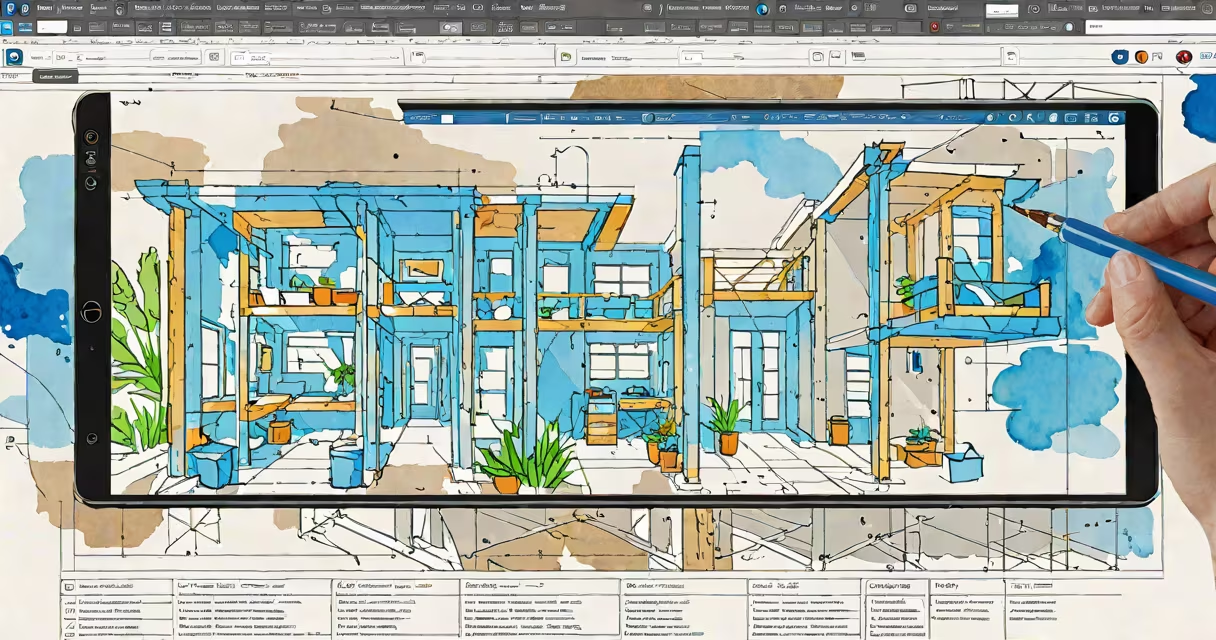
BlueBeam Revu is a PDF markup and collaboration tool used primarily in construction, architecture, and engineering to review, annotate, measure, and manage project documents. It enables teams to work efficiently on digital plans, specifications, and contracts without leaving the PDF format.
Revu functions as a PDF editor with advanced tools tailored for professionals who rely on precise documentation. Instead of switching between multiple programs, users can mark up drawings, track changes, generate reports, and share feedback-all within a single interface. The software supports real-time collaboration, version control, and integration with project management systems.
It's widely adopted because it preserves the integrity of original files while allowing detailed modifications. Contractors, architects, and engineers use it daily to reduce errors, speed up approvals, and maintain audit trails during complex projects.
Revu operates as a standalone application that opens and edits PDFs. Unlike basic PDF viewers, it treats PDFs as editable canvases. Users can draw, show, insert text boxes, apply stamps, and create custom markups using a customizable toolbar.
Each annotation is stored as metadata within the PDF file. This means the original document remains unchanged unless explicitly saved. When shared, reviewers see only their assigned layers, reducing clutter and confusion. You can toggle visibility of different markup groups-such as "Architectural Review" or "Mechanical Comments"-to focus on specific tasks.
For example, a structural engineer reviewing a site plan can place dimension lines, add notes about beam spacing, and assign them to a team member via email integration. The recipient receives a marked-up PDF with clear instructions and a timestamped history of changes.
Revu's functionality centers around four key workflows: markup, measurement, document management, and collaboration.
A typical use case involves a subcontractor receiving a revised electrical layout. They open the PDF in Revu, measure the distance between conduit runs, flag a potential conflict with plumbing pipes, and attach a note: "Check clearance-minimum 6 inches required." The project manager sees this in real time and assigns a follow-up task.
Revu supports different levels of complexity based on user roles and project phases. The most common workflows fall into three categories: design review, field coordination, and contract administration.
| Workflow Type | Primary Users | Common Tasks | Key Revu Tools |
|---|---|---|---|
| Design Review | Architects, Engineers | Identify clashes, verify dimensions, approve changes | Measure, Compare Documents, Layer Manager |
| Field Coordination | Contractors, Superintendents | Mark up site photos, confirm material placement, report issues | Stamps, Redaction, Annotation Layers |
| Contract Administration | Project Managers, Owners | Track change orders, manage RFIs, archive approvals | Form Fields, Audit Trail, Batch Processing |
These workflows are not isolated. A single PDF may pass through all three stages. For instance, a mechanical drawing approved by the architect (design review) gets sent to the field crew (field coordination), then later referenced in a change order submission (contract administration).
Many assume Revu is just a PDF editor like Adobe Acrobat Pro. While both handle PDFs, Revu is purpose-built for high-volume, team-based workflows in regulated industries. It includes tools absent in standard PDF software, such as automatic comparison of two versions of a drawing and batch processing of hundreds of files.
Another misconception is that Revu only works on desktop computers. It has mobile apps for iOS and Android, allowing field teams to access and annotate documents offline. Changes sync when connectivity returns. This capability reduces delays caused by waiting for office staff to process updates.
A lesser-known fact: Revu can extract data from PDFs and export it into Excel or databases. For example, a quantity surveyor can select all door schedules from a set of architectural drawings, pull out sizes and materials, and auto-generate a bill of materials. This function saves hours compared to manual entry.
In 2022, a renovation project at a historic school building in Chicago used BlueBeam Revu to coordinate 14 subcontractors across five disciplines. The project team had 320 PDF documents, including floor plans, HVAC schematics, and structural details.
They created a central folder structure in Revu, assigned roles, and set up layer visibility rules. Each discipline had its own color-coded layer: red for electrical, green for plumbing, blue for structural. Field supervisors uploaded annotated photos taken on-site, which were linked to specific drawing pages.
When a discrepancy was found-a wall thickness didn't match the foundation plan-the lead engineer used Revu's "Compare" tool to overlay the current and previous versions. The difference highlighted a 2-inch error. The team corrected it before construction began, avoiding $18,000 in rework.
This level of precision is standard in Revu workflows. According to a 2023 report by the National Institute of Building Sciences, firms using structured PDF review tools like Revu reduced rework costs by an average of 27% compared to those relying on paper or unstructured digital methods.
BlueBeam Revu is used for managing and collaborating on technical PDFs in construction and design. Its strength lies in combining useful markup tools with structured workflows that support large teams and complex projects. It's not just a viewer-it's a document lifecycle platform.
While similar tools exist, Revu's deep integration with industry processes makes it a standard in many firms. Understanding how it's applied in real projects helps clarify why it's preferred over generic alternatives.