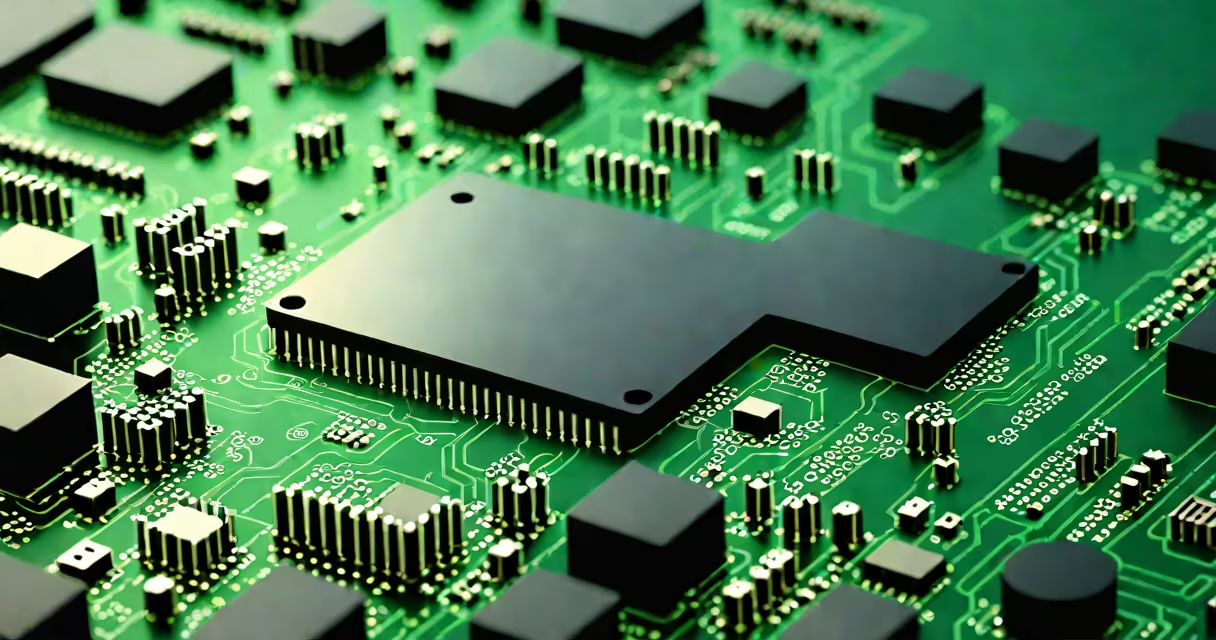
Hardware vs software describes the fundamental division between physical computing components and the digital instructions that control them. Hardware includes tangible parts like processors, memory, and storage; software consists of programs and data that tell hardware what to do.
Every computer system relies on both elements working in sync. Without hardware, software cannot run. Without software, hardware remains inert. This interdependence forms the foundation of all modern computing, from smartphones to supercomputers.
When you press a key on your keyboard, hardware detects the physical input. The operating system-a core piece of software-interprets the signal and displays the corresponding character on screen. The entire process happens in milliseconds and requires precise coordination between hardware and software layers.
At the lowest level, the CPU executes machine code instructions stored in memory. These instructions originate from compiled software, such as a web browser or video game. The graphics card, another hardware component, renders visual output based on commands sent by the software.
A real-world example: launching a video editing app. The software loads from storage (hardware), runs through the CPU and GPU (hardware), and uses RAM to process large video files. If the software demands more memory than available, the system slows or crashes-highlighting the tight coupling between performance limits of hardware and software requirements.
Hardware falls into three main categories: input, processing, and output devices. Input devices include keyboards and cameras. Processing units consist of CPUs, GPUs, and motherboards. Output devices include monitors, speakers, and printers.
Software is divided into system software and application software. System software manages hardware resources and includes operating systems (like Windows, macOS, Linux), device drivers, and firmware. Application software serves user purposes: word processors, games, web browsers, and databases.
| Type | Examples | Function |
|---|---|---|
| Hardware - Input | Keyboard, microphone, touchscreen | Captures user actions or environmental data |
| Hardware - Processing | CPU, GPU, RAM | Executes instructions and stores temporary data |
| Hardware - Output | Monitor, printer, speaker | Presents processed results to users |
| Software - System | Windows 11, Android, BIOS | Manages hardware and enables application execution |
| Software - Application | Adobe Photoshop, Chrome, Zoom | Performs specific tasks for end users |
Some systems blur the line. Firmware-software embedded in hardware like routers or smart thermostats-acts as a bridge between the two. It's stored in read-only memory and controls basic operations. You can't remove it without replacing the chip.
People often mistake software for being "intangible" or "less real." But software is just as essential as hardware. A missing driver can prevent a printer from working even if the hardware is fully functional. Conversely, a useful GPU won't improve performance if the software doesn't support it.
Another error: assuming all software runs on the same hardware. For example, a program written for Apple's M-series chips won't run natively on Intel-based PCs without emulation. This mismatch causes slowdowns or crashes-proof that software must be compatible with the underlying hardware architecture.
A lesser-known fact: software can have physical side effects. Running high-performance applications on laptops increases heat generation. Over time, this degrades solder joints and shortens hardware lifespan. Modern systems monitor temperature and throttle performance automatically-another layer of integration between software and hardware.
For example, a hospital uses medical imaging software that requires specific GPU models and RAM capacity. If the hardware doesn't meet specs, images fail to load in real time. The software may function correctly, but without matching hardware, it becomes unusable.
I once set up a home server for media streaming. The software-Plex-ran smoothly on a Raspberry Pi, but only after I upgraded from a 1GB RAM model to a 4GB version. The original hardware couldn't decode 4K video streams in real time. This taught me that software demands aren't always obvious until you test them under load.
Hardware is replaceable. You can swap out a hard drive or upgrade a graphics card. Software is updated, not replaced. Patches fix bugs, new versions add features-but the core program remains the same entity.
Also, hardware fails physically. A cracked motherboard stops working entirely. Software fails logically. A corrupted file might cause a crash, but the system can recover. This difference shapes how we maintain and troubleshoot systems.
Security vulnerabilities exist in both domains. Malware targets software to exploit flaws in code. Hardware attacks-like Rowhammer-manipulate memory cells using repeated access patterns. Both require different defense strategies.
Understanding what is hardware vs software isn't just academic. It affects how you choose devices, install updates, manage networks, and respond to failures. Knowing which part of a problem belongs to hardware or software saves time and prevents costly mistakes.