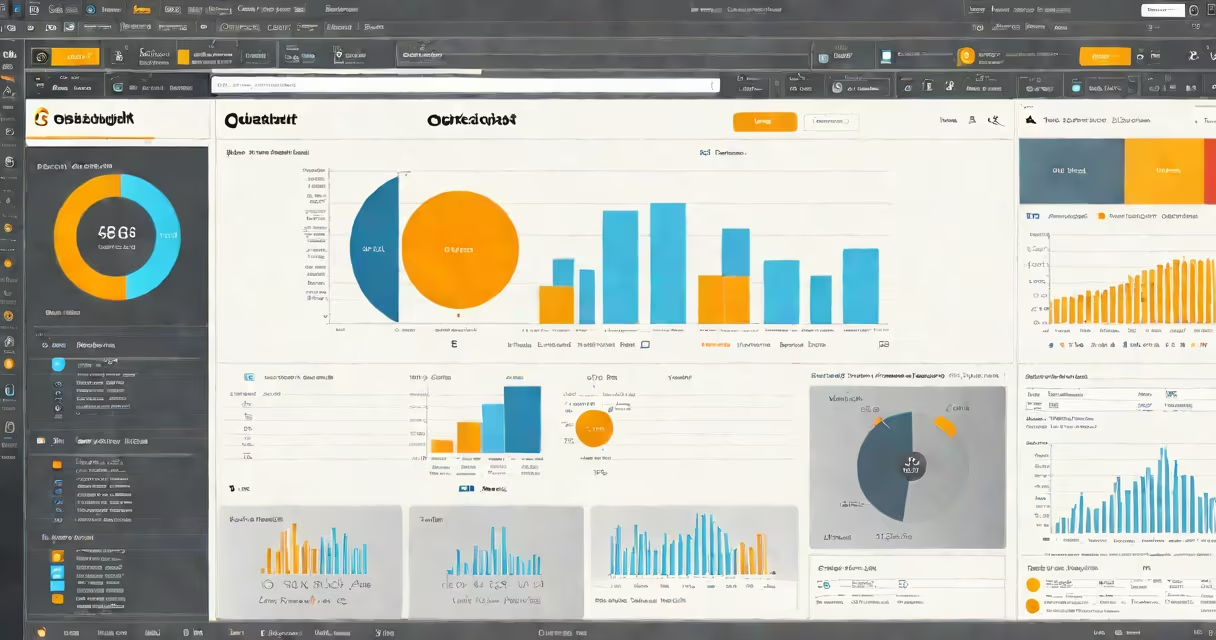
Amazon QuickSight is a cloud-based business intelligence (BI) service that lets organizations visualize and analyze data using interactive dashboards, reports, and embedded analytics. Built on AWS infrastructure, it supports real-time data processing and scales automatically to handle large datasets across teams.
QuickSight enables users to connect to data sources such as Amazon S3, Redshift, RDS, and external databases. It then applies machine learning to detect patterns, anomalies, and trends, delivering insights through customizable visualizations like bar charts, heat maps, and geospatial maps. The service runs entirely in the cloud, eliminating the need for on-premise hardware or software installation.
According to AWS documentation, QuickSight processes data at scale-up to petabytes-and delivers results in seconds. It supports both SPICE (Super-fast, Parallel, In-memory Calculation Engine) and direct query modes, allowing users to choose between performance and cost efficiency based on their data access patterns.
QuickSight operates through a web-based interface accessible via browser or mobile app. Users begin by connecting to a data source-such as a CSV file stored in Amazon S3 or a live database in Amazon RDS. Once connected, QuickSight ingests the data and creates a dataset that can be transformed using built-in functions like filtering, grouping, and aggregating.
The platform uses SPICE to cache and process data in memory for faster analysis. When a user opens a dashboard, QuickSight retrieves data from SPICE or queries the source directly. This dual-mode architecture allows for low-latency interactions even with complex queries involving millions of rows.
For example, a retail company might upload monthly sales data from S3 into QuickSight. After connecting, they apply a transformation to calculate month-over-month growth. They then build a dashboard with a line chart showing revenue trends and a map highlighting regional performance. These visuals update automatically when new data is loaded.
QuickSight offers several core capabilities tailored for enterprise and team collaboration:
Common use cases include financial reporting, supply chain tracking, marketing campaign analysis, and customer behavior modeling. A logistics firm might use QuickSight to track delivery times across regions, flagging delays above 12 hours using anomaly detection.
QuickSight supports natural language queries. Users can type "Show me quarterly revenue by region" and receive a changing chart without writing code. This feature reduces reliance on technical staff for basic reporting tasks.
QuickSight offers two deployment models: QuickSight Enterprise and QuickSight Standard. The choice depends on team size, data volume, and required features.
| Feature | QuickSight Standard | QuickSight Enterprise |
|---|---|---|
| Users included | 10 | Unlimited |
| SPICE capacity | 10 GB | Unlimited |
| Admin controls | Limited | Advanced (IAM integration, audit logs) |
| Embedded analytics | Basic | Full API access |
| Pricing model | Per user/month | Per user/month + additional features |
Enterprise customers often deploy QuickSight across departments. For instance, a healthcare provider used QuickSight Enterprise to unify patient visit data from multiple clinics. They created role-based dashboards: administrators saw wait time trends, while clinical managers accessed treatment outcome metrics.
A common misconception is that QuickSight requires extensive data engineering. In reality, it supports direct query mode, which accesses data in real time without loading it into SPICE. This lowers setup time and reduces storage costs for frequently changing datasets.
QuickSight is sometimes mistaken for a data warehouse or ETL tool. It is neither. It is a BI layer that sits on top of existing data stores. You cannot load raw data into QuickSight directly-it must first be prepared in a source like Redshift, S3, or a relational database.
Another confusion arises around SPICE. Some assume SPICE is a separate database. It's not. SPICE is a high-performance in-memory engine within QuickSight that caches data for faster querying. Data remains in the original source unless explicitly loaded into SPICE.
QuickSight also differs from traditional BI tools like Tableau or Power BI in its native integration with AWS services. It natively connects to AWS Lambda, CloudWatch, and EventBridge, enabling automated workflows. For example, a server failure detected by CloudWatch can trigger a QuickSight alert showing system health metrics.
I've deployed QuickSight in a small SaaS startup to monitor user engagement. We pulled daily sign-up data from a PostgreSQL table in RDS. Within 15 minutes, we had a dashboard showing sign-up spikes by hour and region. The machine learning feature flagged a 40% drop in conversions during a specific time window-coinciding with a backend outage. That insight led us to improve our monitoring stack.
What is QuickSight? It is a cloud-native business intelligence platform designed for speed, scalability, and smooth integration with AWS ecosystems. It transforms raw data into actionable insights through interactive dashboards, automated analytics, and collaborative tools. Whether analyzing sales trends or tracking operational health, QuickSight delivers real-time visibility without managing infrastructure.