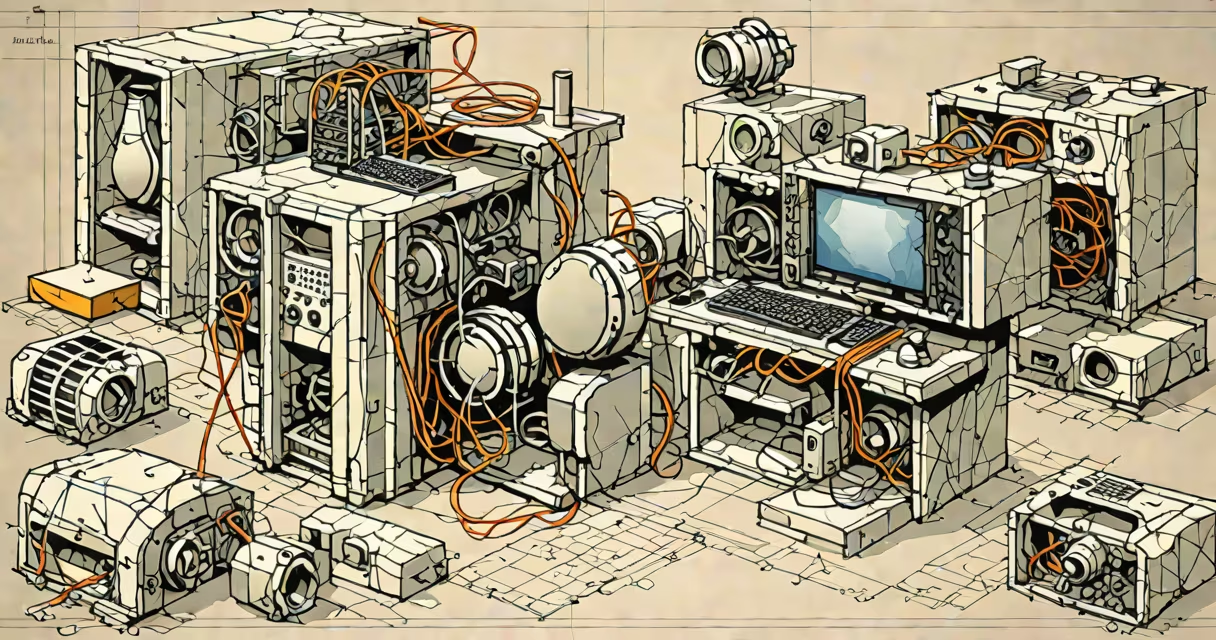
A 3d modeling computer program is a software application that enables users to create, edit, and manipulate digital three-dimensional objects using geometric primitives, surfaces, or volumetric data. These programs form the foundation of visual effects, industrial design, architecture, and video game development.
At its core, a 3d modeling computer program constructs virtual objects through mathematical representations. The most common method uses polygonal meshes-collections of vertices, edges, and faces arranged in 3D space. Other approaches include NURBS (Non-Uniform Rational B-Splines), which define smooth curves and surfaces ideal for precision engineering, and voxel-based modeling, where space is divided into cubic units similar to 3D pixels.
These programs run on desktop computers, workstations, or cloud platforms. They require significant processing power and often integrate with rendering engines, physics simulators, and animation systems. Popular examples include Autodesk Maya, Blender, ZBrush, SolidWorks, and Cinema 4D.
When you create a 3d model, the software calculates spatial coordinates for each point in the object. For example, a cube in Blender consists of eight vertices connected by twelve edges forming six square faces. Users can manipulate these elements via direct input (typing coordinates), transformation tools (move, rotate, scale), or sculpting brushes that push and pull geometry like clay.
Modeling workflows vary by purpose. In character design, artists use subdivision surfaces to achieve organic shapes with high detail. In mechanical engineering, parametric modeling allows dimensions to be adjusted later without rebuilding the entire part. Each operation updates the underlying data structure, which the program renders in real time or exports for further processing.
Modern 3d modeling computer programs support multiple file formats such as .obj, .fbx, .stl, and .dae. This interoperability lets models move between applications-for instance, exporting a character from ZBrush to Maya for rigging and animation.
Different software serve distinct purposes based on their underlying geometry engine and feature set.
| Type | Best For | Key Features | Examples |
|---|---|---|---|
| Polygonal Modeling | Characters, environments, games | Edge loops, extrusion, Boolean operations | Blender, Maya, 3ds Max |
| NURBS Modeling | Industrial design, automotive, aerospace | Smooth surfaces, precise curvature control | SolidWorks, Rhino, CATIA |
| Sculpting | High-detail organic forms | Changing topology, brush-based deformation | ZBrush, Mudbox |
| Voxel/Procedural | Game assets, terrain generation | Block-based editing, algorithmic shape creation | Minecraft Studio, Substance Designer |
Each type reflects a different approach to geometry. Polygonal modeling prioritizes efficiency and compatibility. NURBS excels in accuracy and continuity-critical for manufacturing parts that must fit together perfectly. Sculpting focuses on artistic expression, allowing fine details like wrinkles and pores to emerge organically.
3d modeling computer programs are essential in film and television. For example, the dragon in *Game of Thrones* was modeled using Maya and rendered with Arnold, producing over 1,000 frames of photorealistic animation. The process involved creating a base mesh, adding muscle and skin layers, and applying texture maps derived from reference photos.
In architecture, firms like Build + Partners use Revit-a 3d modeling computer program with building information modeling (BIM) capabilities-to simulate lighting, airflow, and structural loads before construction begins. A single project may involve hundreds of interdependent models, each updated automatically when changes occur.
Manufacturers rely on 3d modeling computer programs for prototyping. A car manufacturer might design a new hood in SolidWorks, run stress tests under simulated crash conditions, then export the model to a 3D printer for physical testing. This reduces development time from months to weeks.
Many assume that 3d modeling computer programs simply "draw" 3D images. In reality, they manage complex data structures and perform real-time calculations. A single scene in a movie can contain millions of polygons, each with assigned materials, lighting interactions, and animation keys.
Another misconception is that all 3d modeling computer programs are interchangeable. A tool designed for animation, like Maya, lacks the tolerance controls needed for machining parts. Conversely, a CAD program like SolidWorks cannot handle the changing deformation required for facial animation in a video game.
Even within the same category, performance varies widely. Blender handles large scenes efficiently due to its optimized viewport engine, while older versions of 3ds Max struggled with models exceeding 100,000 polygons unless hardware acceleration was enabled.
I once spent three days refining a low-poly model of a medieval knight for a mobile game. Using Blender, I started with a basic humanoid mesh, added armor pieces via boolean operations, and baked normal maps to simulate wear and tear. The final model had 6,200 polygons and loaded smoothly on devices with integrated graphics. Without the ability to preview lighting and shading in real time, identifying texture seams would have taken twice as long.
3d modeling computer programs are not just tools-they are digital workshops where ideas take physical form. Whether designing a spaceship, a prosthetic limb, or a fantasy creature, these programs translate imagination into measurable, manipulable data.