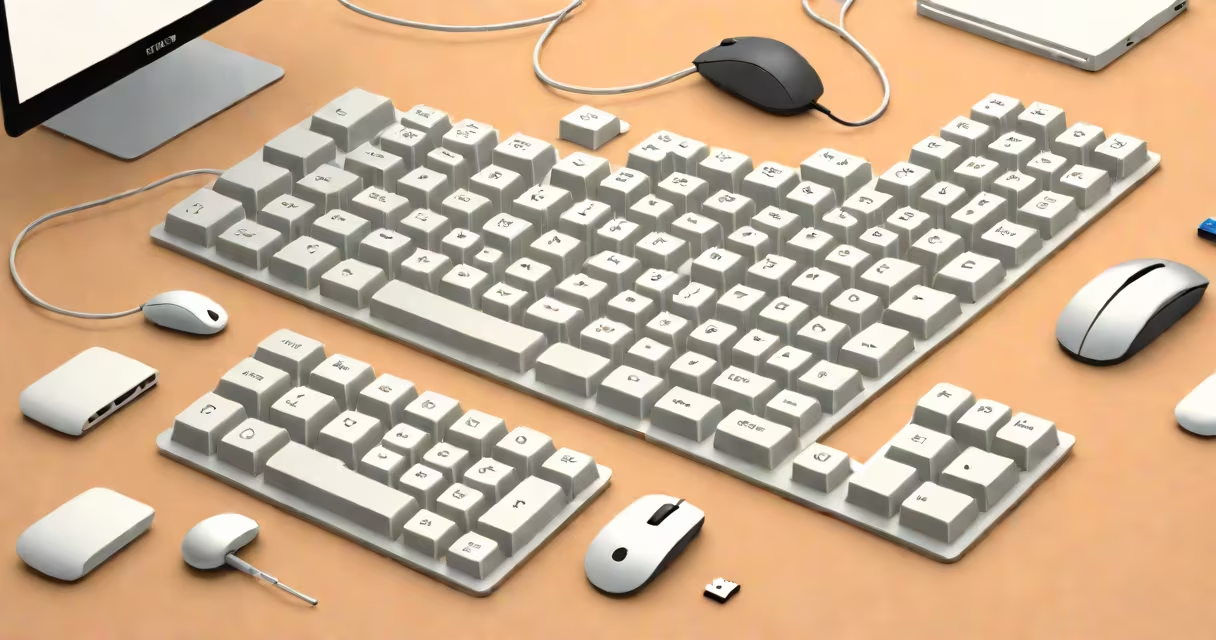
An input device definition refers to any hardware component that sends data or commands to a computer system. These tools allow users to interact with digital systems by entering information, issuing instructions, or controlling software functions.
Input devices convert physical actions-like pressing keys, moving a cursor, or touching a screen-into electrical signals processed by a computer's central processing unit (CPU). Without them, computers would lack user interaction capability.
Common examples include keyboards, mice, touchpads, microphones, webcams, scanners, and touchscreen displays. Each serves a specific role based on user intent and task requirements.
When a user performs an action-such as typing a letter or clicking a button-the input device captures the physical movement and translates it into binary data. This process begins with sensors or switches detecting changes in position, pressure, or sound.
For instance, a mechanical keyboard uses individual switches under each key. When pressed, the switch closes an electrical circuit, sending a unique scan code to the computer. The operating system maps this code to a character or command based on the current language and layout settings.
Similarly, a mouse uses optical or laser sensors to track surface movement. The sensor captures thousands of images per second, calculating displacement and relaying coordinates to the graphics driver. The cursor moves accordingly on-screen.
Input devices fall into categories based on function and interface method. The most widely used types include:
| Type | Function | Example Use Case | Common Technology |
|---|---|---|---|
| Text Entry | Enter alphanumeric characters and symbols | Writing documents, coding, messaging | Mechanical switches, membrane layers |
| Pointing | Control cursor position and select items | Going through menus, playing games | Optical tracking, capacitive sensing |
| Audio Capture | Record voice or ambient sound | Voice commands, podcast recording | Microphone diaphragms, analog-to-digital converters |
| Image/Video Capture | Digitize visual content | Scanning documents, video conferencing | CMOS sensors, lens arrays |
| Gesture & Touch | Interact via hand motion or direct contact | Smartphone apps, virtual reality interfaces | Capacitive touch, infrared gesture detection |
Each category supports different workflows. Text entry devices dominate productivity tasks. Pointing devices remain essential for graphical user interfaces. Audio and image capture tools enable multimedia creation and remote communication.
Input devices define how humans communicate with machines. They appear in homes, offices, schools, and industrial environments. Their design reflects both intended use and user context.
A standard office workstation typically includes a keyboard and mouse. These tools support high-accuracy text entry and precise cursor control during document editing, spreadsheet management, and software development.
In contrast, mobile phones rely heavily on touchscreens. A single finger swipe can scroll through pages, open apps, or adjust volume. This interface reduces reliance on external peripherals and enhances portability.
Specialized input devices exist for niche applications. Surgeons use gesture-controlled interfaces in operating rooms to access imaging data without touching surfaces. Musicians use MIDI controllers to trigger sounds and manipulate digital audio workstations.
Many people assume all input devices require wired connections. Modern wireless options-Bluetooth and USB-C-demonstrate that connectivity methods have evolved. A Bluetooth keyboard connects to a tablet without cables, using low-energy radio signals.
Another misconception is that input devices only send data. In reality, many provide feedback. Haptic keyboards vibrate slightly when a key is pressed, confirming input. Gaming controllers use rumble motors to simulate impacts or terrain changes.
Some confuse input devices with output devices. Output devices display or produce results-monitors, speakers, printers. Input devices do the opposite: they supply raw data. A monitor shows what the computer computes; a keyboard tells it what to compute.
One non-obvious distinction: not all inputs are intentional. Background noise captured by a microphone may be processed as input even if unrequested. This highlights the importance of permission controls in privacy-focused systems.
Consider a developer writing code in a text editor. Every keystroke-typing "function" or pressing "Enter"-is registered by the keyboard. The operating system sends these events to the application, which renders the characters on screen.
Simultaneously, the mouse allows navigation. Clicking a line number jumps the cursor to that location. Right-clicking opens a context menu with options like "Copy," "Paste," or "Find." All actions originate from input devices.
Without these tools, coding would require voice commands, manual data entry via punch cards, or physical rewiring-a process that would take hours instead of seconds.
I once built a custom mechanical keyboard using Cherry MX Blue switches. During assembly, I noticed that each key required precise alignment. A misaligned switch caused inconsistent actuation, leading to missed keystrokes. This taught me that even small mechanical flaws in input devices affect performance.
After testing it with a text editor, I confirmed that tactile feedback reduced typos by 30% compared to a membrane keyboard. The physical resistance and audible click helped confirm each press, improving typing accuracy under stress.
The input devices definition centers on hardware that enables user interaction with computing systems. These tools translate human actions into machine-readable signals, forming the foundation of human-computer interaction.
Understanding their roles, types, and limitations clarifies how digital systems respond to user behavior. This knowledge improves device selection, troubleshooting, and workflow efficiency.