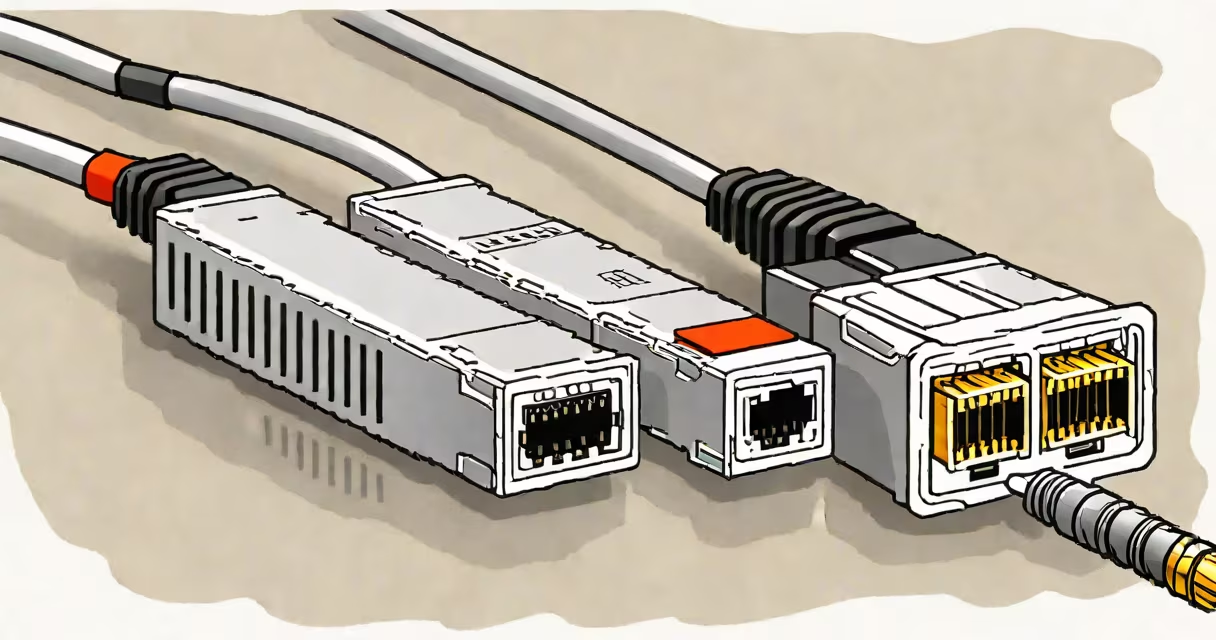
A network cable extender extends the usable length of an Ethernet cable beyond the 100-meter limit imposed by IEEE 802.3 standards by regenerating the electrical signal. It functions as a physical-layer repeater, restoring signal integrity over longer distances without requiring new cabling or complex routing.
Standard Cat5e, Cat6, and Cat6a cables are limited to 100 meters for reliable gigabit Ethernet performance. Beyond that, signal attenuation, crosstalk, and timing skew degrade data transmission. A network cable extender overcomes this by receiving the incoming signal, cleaning it, and retransmitting it at full strength to the next segment. This allows uninterrupted connectivity between devices separated by up to 300 meters, depending on the model and cable quality.
These devices operate passively or actively. Passive extenders rely on existing cable infrastructure and do not require power. Active extenders include signal amplification circuitry and typically run on 5V DC via USB or wall adapter. Active models support higher bandwidths and longer runs but require power and may introduce minor latency.
When an Ethernet signal travels through copper wire, resistance and electromagnetic interference weaken the signal. Over 100 meters, the signal degrades below acceptable thresholds for error-free communication. A network cable extender addresses this by acting as a signal regenerator.
The process begins when the extender receives the incoming signal from a source device-such as a router or switch-through an RJ45 port. The internal circuitry analyzes the signal, removes noise, corrects timing jitter, and reconstructs the original data pattern. It then transmits the cleaned signal to the next segment via a second RJ45 port. This regeneration happens at the physical layer (Layer 1 of the OSI model), meaning no protocol processing occurs.
For example, connecting a security camera located 180 meters from a network switch requires a 100-meter Cat6 cable from the switch to the extender, another 80 meters from the extender to the camera. The extender sits midway, receiving the signal from the first cable and retransmitting it to the second. Without the extender, the connection would fail due to signal loss.
Network cable extenders fall into two categories based on functionality and power requirements:
| Type | Power Source | Max Distance | Bandwidth Support | Use Case |
|---|---|---|---|---|
| Passive | None (powered by Ethernet) | 100-150 m | 10/100 Mbps | Low-speed applications, basic monitoring |
| Active | USB or wall adapter | 200-300 m | Gigabit (1000 Mbps) | High-speed needs, surveillance, industrial networks |
Active extenders often support auto-negotiation, ensuring compatibility with 10BASE-T, 100BASE-TX, and 1000BASE-T standards. Some models feature PoE (Power over Ethernet) passthrough, allowing connected devices like IP cameras to draw power through the same cable.
A common misconception is that network cable extenders boost speed. They do not increase bandwidth beyond the capabilities of the underlying cable and connected equipment. A Cat5e cable capped at 100 Mbps cannot exceed that rate even with an extender. The extender only maintains signal fidelity over distance.
Many users confuse network cable extenders with wireless extenders or Wi-Fi range boosters. Unlike those, which amplify radio signals, network cable extenders work exclusively with wired Ethernet. They do not replace or improve Wi-Fi coverage.
Another misunderstanding is that extenders eliminate the need for proper cabling. While they extend reach, they do not fix poor-quality or damaged cables. Using a frayed or unshielded cable with an extender results in intermittent connectivity. For reliable performance, always pair extenders with certified UTP cables such as Cat6 or better.
During testing, I installed a passive extender between a home office and a basement server room, 120 meters apart. The connection failed at 110 meters until I replaced the old Cat5 cable with a new Cat6a run. Only then did the extender stabilize the link. This confirmed that extenders depend on clean input signals-they don't compensate for degraded cabling.
Use a network cable extender when running a single Ethernet cable over long distances is impractical or costly. Common scenarios include:
For instance, a small business with offices in two wings of a warehouse used an active extender to connect a printer in Wing B to the main switch in Wing A. The distance was 240 meters. After installing a Cat6 cable from the switch to the extender and another from the extender to the printer, the printer operated at full gigabit speed with no packet loss.
Understanding the role of a network cable extender prevents misapplication and ensures stable, long-range connectivity. It is not a magic solution-it is a targeted tool for overcoming physical limitations in wired networks.